
Billing that fits between jobs
When the work is finished, the invoice should explain it without another phone call. InvoiceMaker is simple contractor invoice software for your phone: it helps independent contractors and small service businesses prepare estimates, build itemized invoices, share PDFs, and record the payments they receive.
Save the client and the services you use regularly. For each job, review the quantities, rates, notes, and any discount or tax details before sending the document. The app is available for iPhone, iPad, and Android.
A contractor invoice checklist
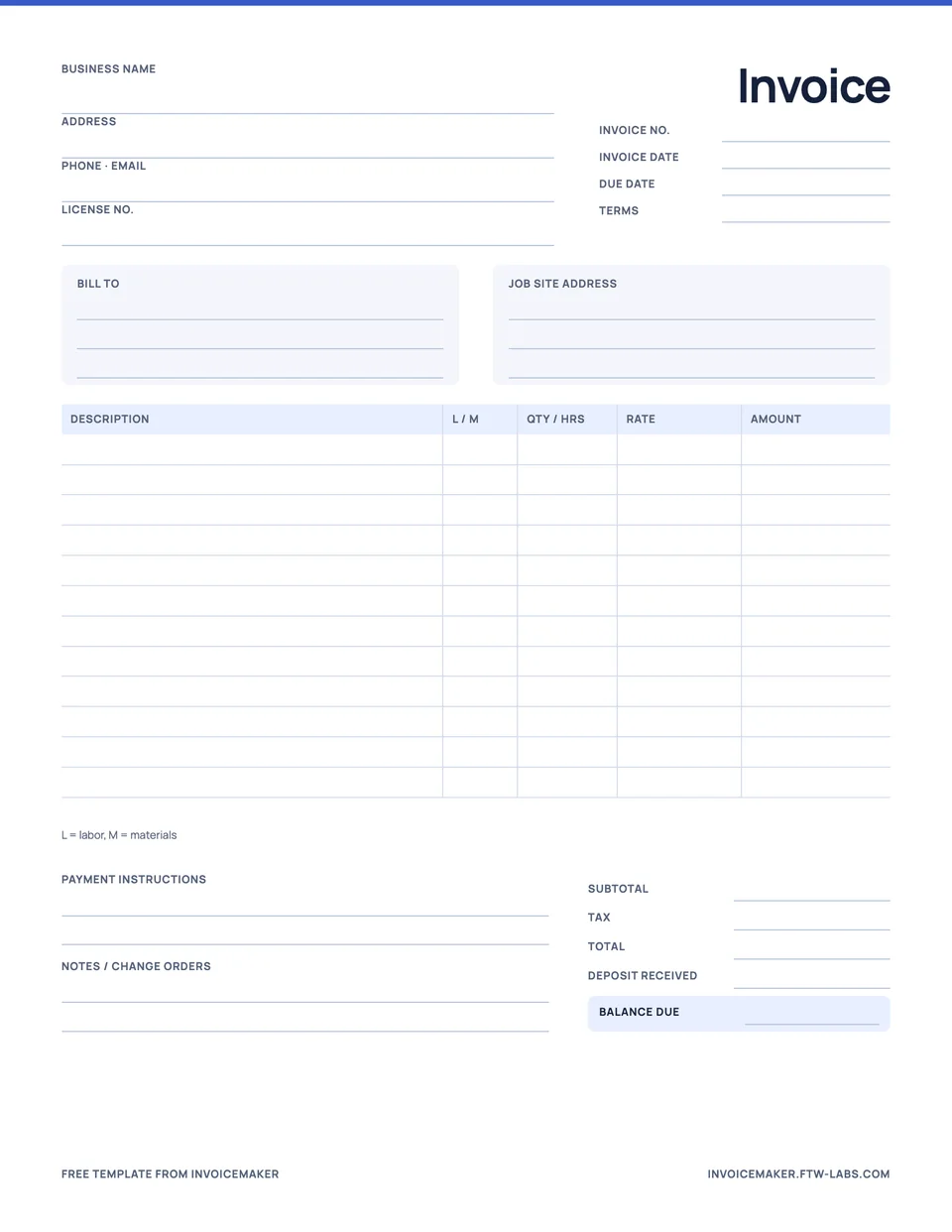
- Business and customer details: identify both parties and use the billing contact the customer expects.
- Job reference: include a clear project description or service location where useful.
- Labor: show hours and hourly rate, or describe the agreed fixed-price work.
- Materials: list the items and quantities being charged.
- Other agreed charges: describe them clearly instead of hiding them in a vague line.
- Total and due date: check the currency, amount, and agreed payment timing.
- Payment details: tell the customer how to pay using the method you have arranged.
Sample contractor invoice
| Description | Quantity × rate | Amount |
|---|---|---|
| Door adjustment and hardware fitting | 3 hours × $60 | $180 |
| Replacement hardware | 1 set × $45 | $45 |
| Total | $225 |
A useful note might be: “Adjust internal door, replace handle set, and test latch.” It connects the invoice to the actual work. Replace the example with your own agreed work and rates; it is not a market-price recommendation.
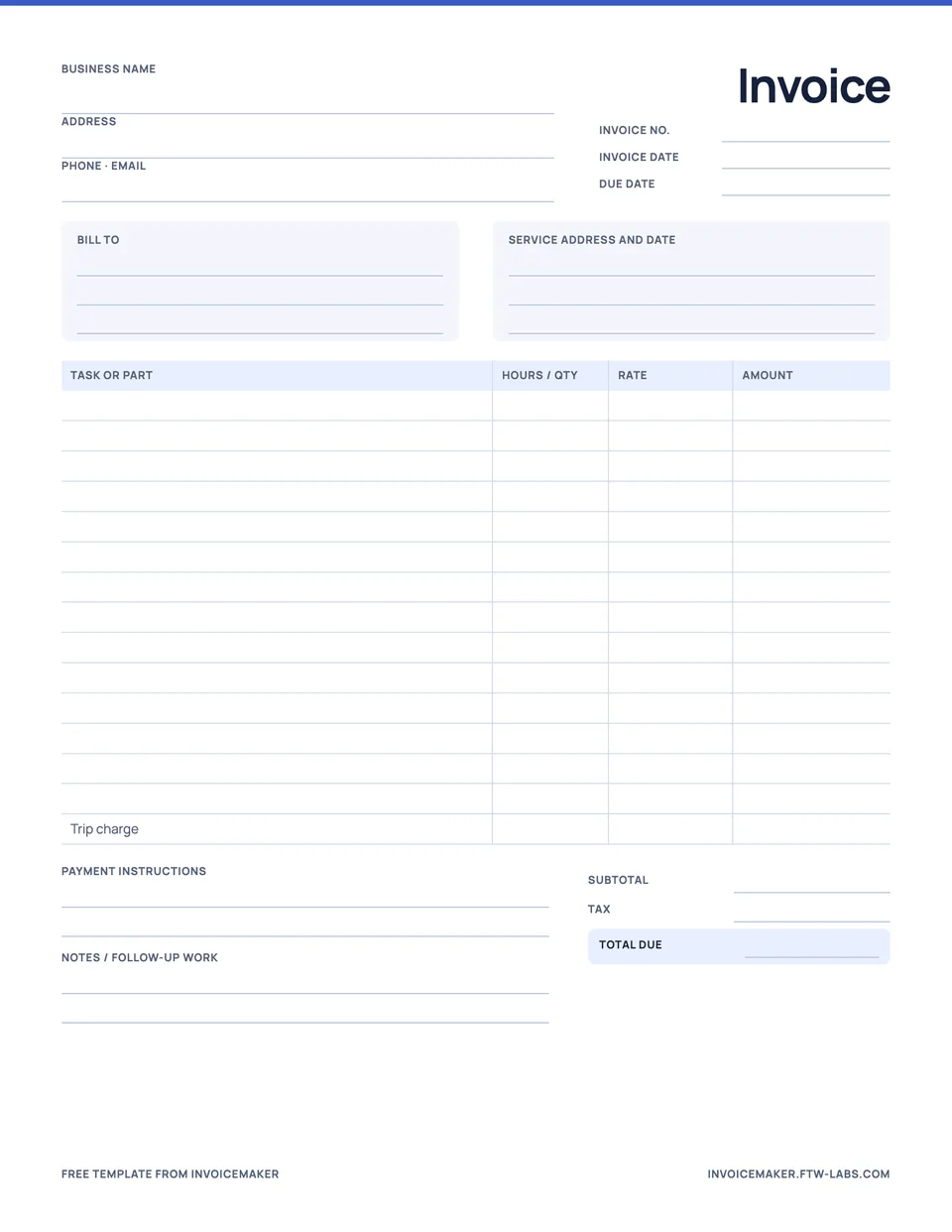
Prefer a paper form for some jobs? Download the free contractor invoice template, or the handyman invoice template for small repair visits.
Keep estimates and final invoices connected
Start with an estimate when the customer needs to agree on the job first. InvoiceMaker can convert an accepted estimate into an invoice. Check the final scope before sharing, rather than assuming every estimate detail still applies.
If you receive a deposit or a payment in stages, record the amount against the invoice and keep the balance visible. The partial payment example explains how to show the remaining amount without making a second bill for the original total.
Preview before the customer sees it
The PDF preview is your last check for a missing client detail, an unclear description, or an incorrect total. Share it through your phone’s available apps once it is ready. Recording an invoice as sent and recording a payment are separate actions; sending the PDF does not mean it has been paid.
InvoiceMaker is designed for everyday estimates, invoices, and receipts. If your job requires specialist construction billing forms, a particular certification, or a full accounting workflow, check those requirements separately. For a general starting point, read how to write an invoice for services.
Questions
Should a contractor invoice list labor and materials separately?
Usually, yes. Separate lines let the customer see hours and rate apart from parts and supplies, which answers most questions before they are asked and makes tax easier when materials and labor are taxed differently.
Can I take a deposit before I start a job?
Yes. Send the invoice or estimate with the deposit amount in the terms, then record the deposit as a payment against the invoice when it arrives. The balance due updates automatically.