Agree on the work.
Set out the job with an estimate. Add services, quantities, and notes so your customer knows what’s included.
Make an estimateTurn the job you just finished into an invoice you’re proud to send. Create estimates, share PDFs, and keep track of payments, all from your phone.


For iPhone, iPad & Android. Your first document is free.
See how it works| Description | Qty | Amount |
|---|---|---|
| Design consultation | 3 hrs | $225.00 |
| Project drawings | 1 | $300.00 |
Please use INV-104 as your payment reference.
The work is ready. Send a clear request for payment.
Illustrative document and sample data. No tax in this example.
Your small business. All the paperwork.
One familiar flow for the documents your business needs. Fewer details to enter again. A clearer record of every job.
Set out the job with an estimate. Add services, quantities, and notes so your customer knows what’s included.
Make an estimateUse your saved details or convert an accepted estimate. Check the PDF, then share it through your phone.
Write a better invoiceLog what you’ve received, see what’s still owed, and create a receipt for your customer.
Create a receipt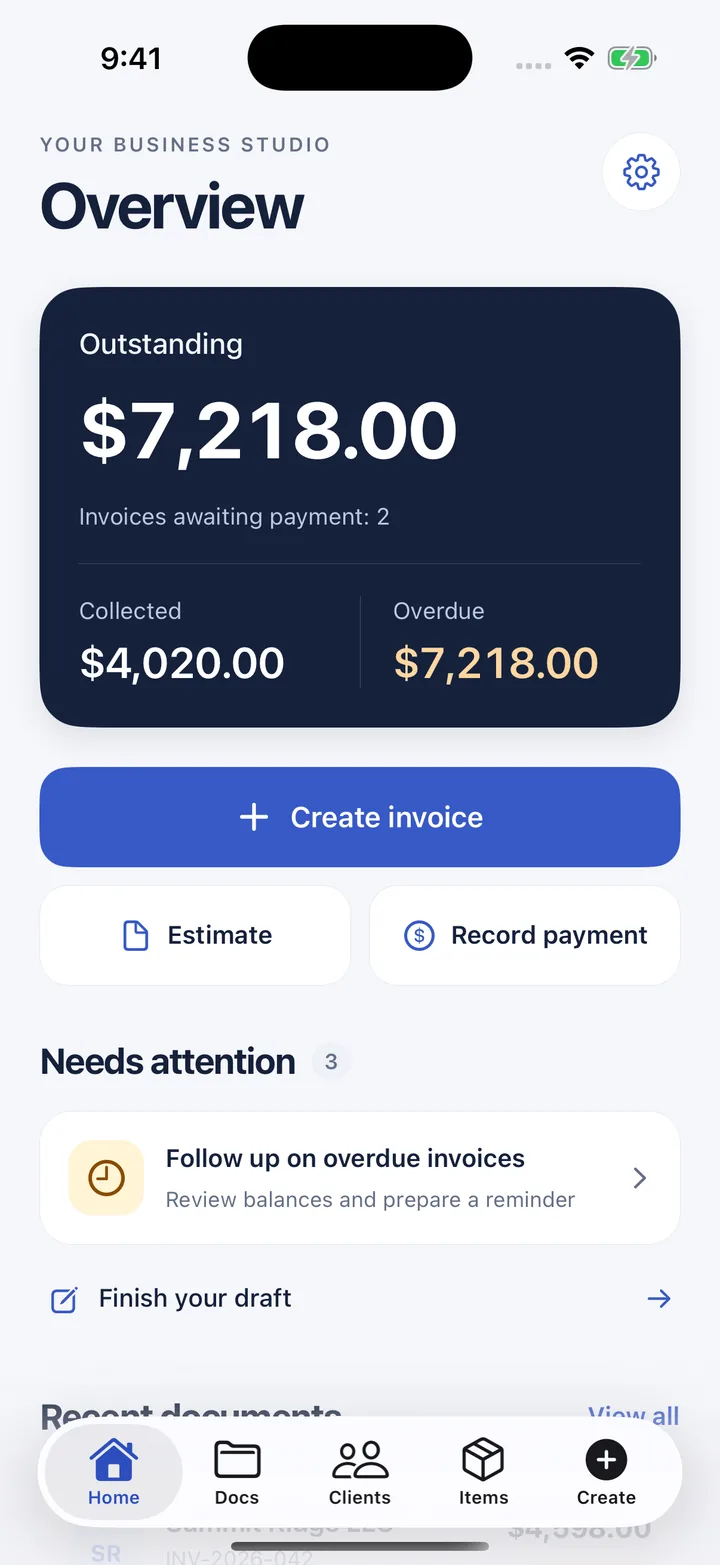
Actual iPhone screen with sample business data.
Bring drafts, sent documents, received payments, and outstanding balances into one place. Pick up where you left off when it’s time for the next bit of admin.
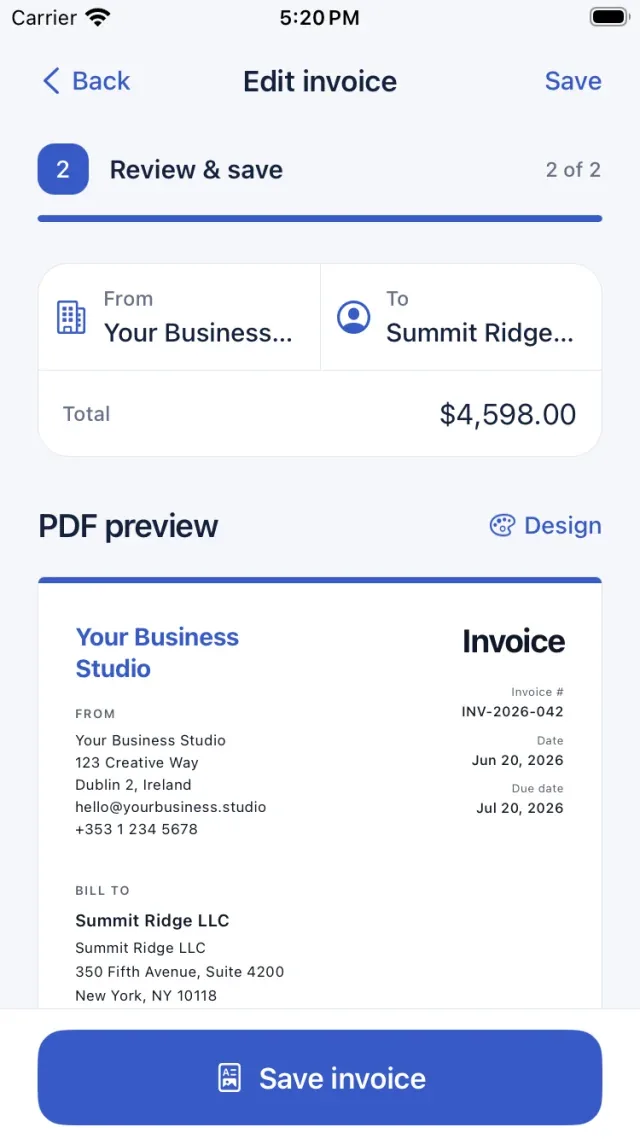
The customer sees the document. You get to check it first. Review the details in a PDF preview, then send it using an available app on your device.
Reuse business details, clients, services, payment terms, taxes, and discounts while keeping each document editable for the job. Add your logo and signature, and choose from four PDF designs.
Made for service businessesPrintable PDF invoices, estimates and receipts for the jobs small businesses do every day. Fill one in by hand, or make the same document in the app and send it.
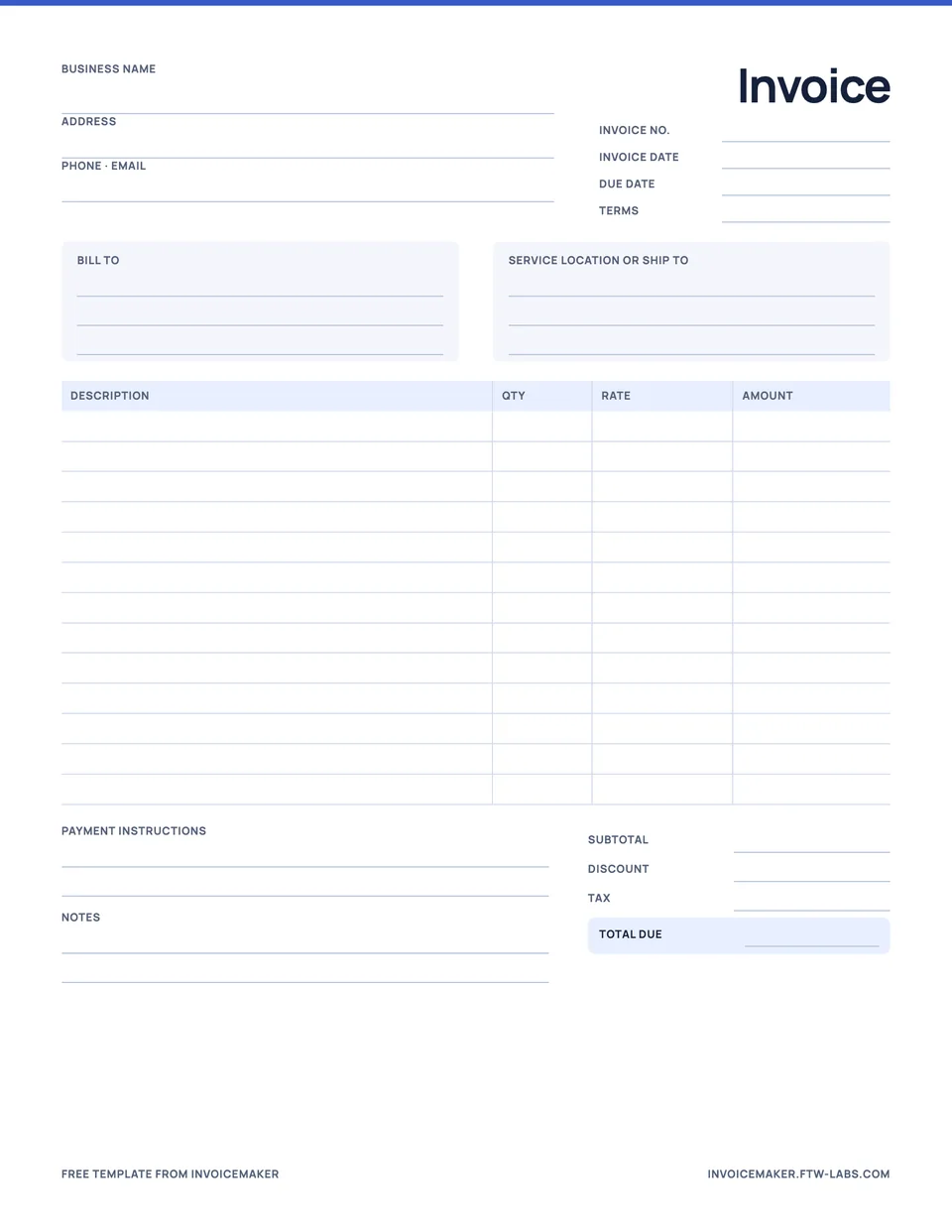
A general invoice for any service or small business.
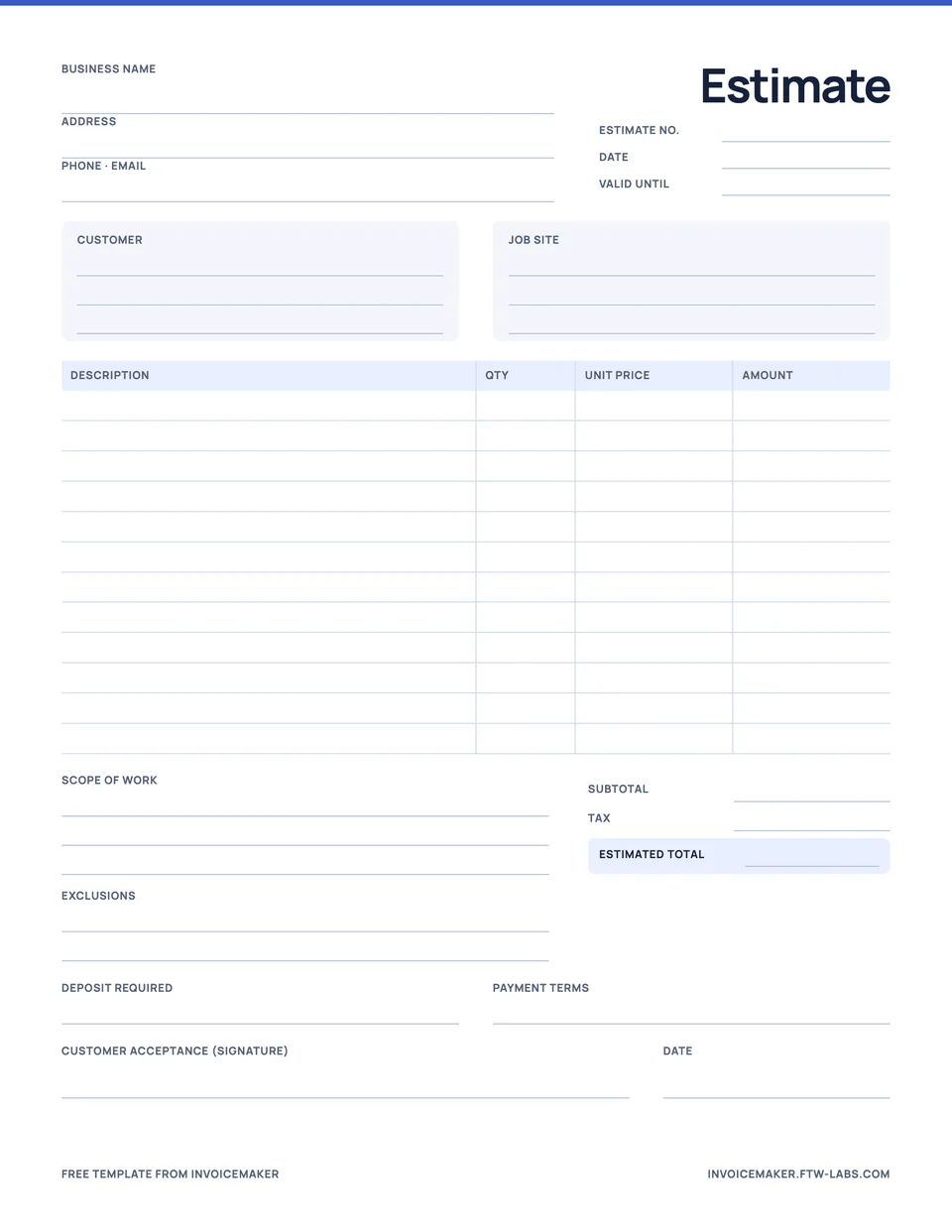
Line items, scope, exclusions and an acceptance signature.
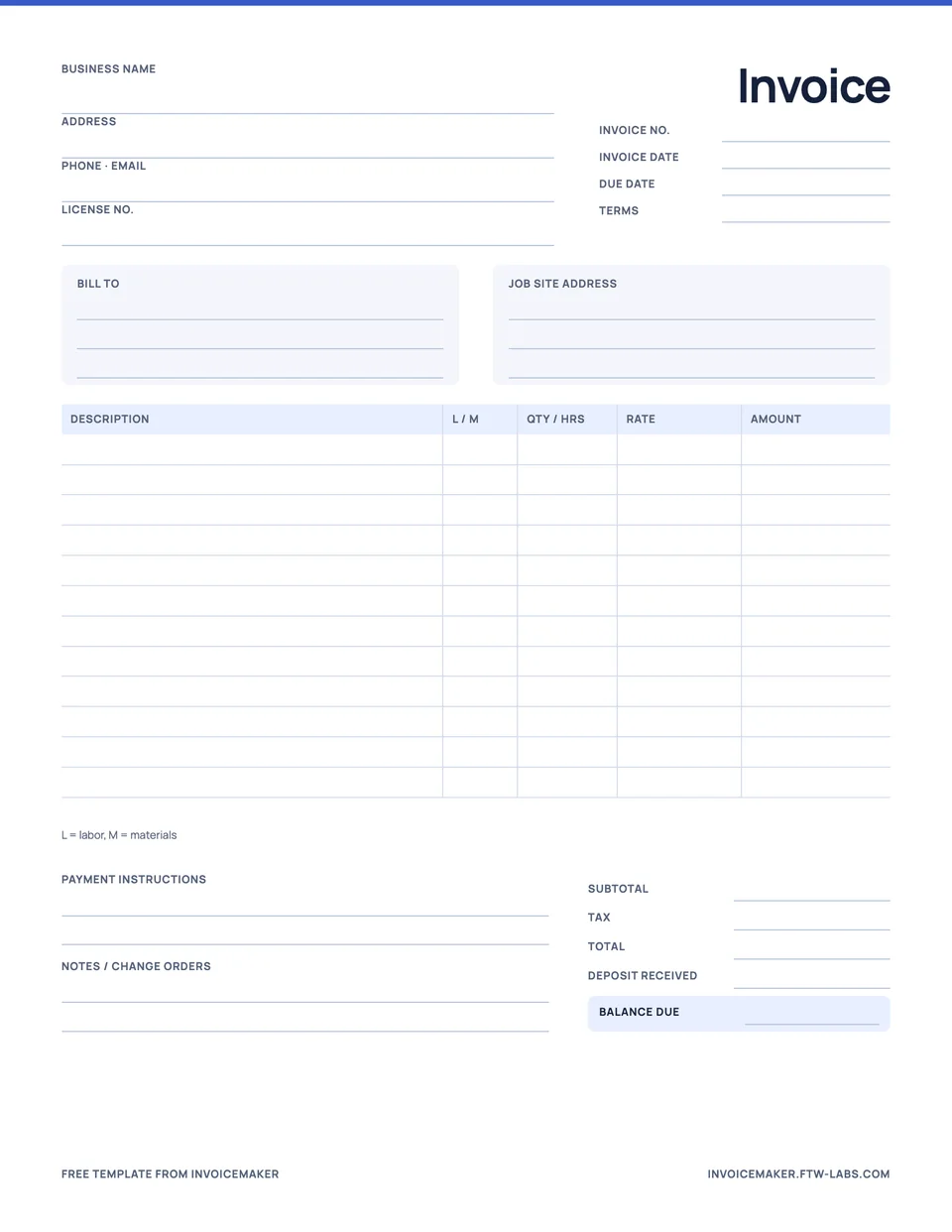
Labor and materials, job site, deposit and balance due.
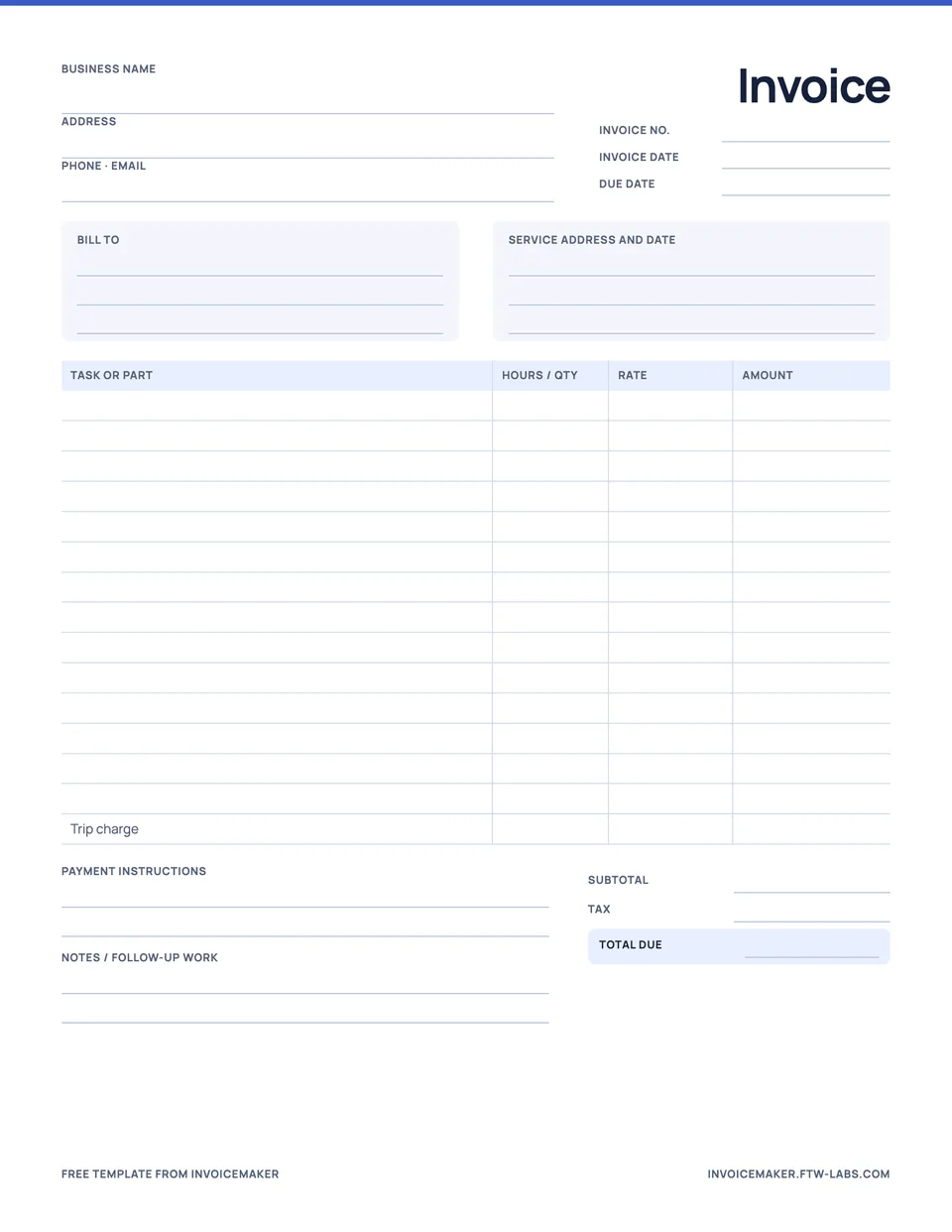
One line per task, parts, trip charge and total due.
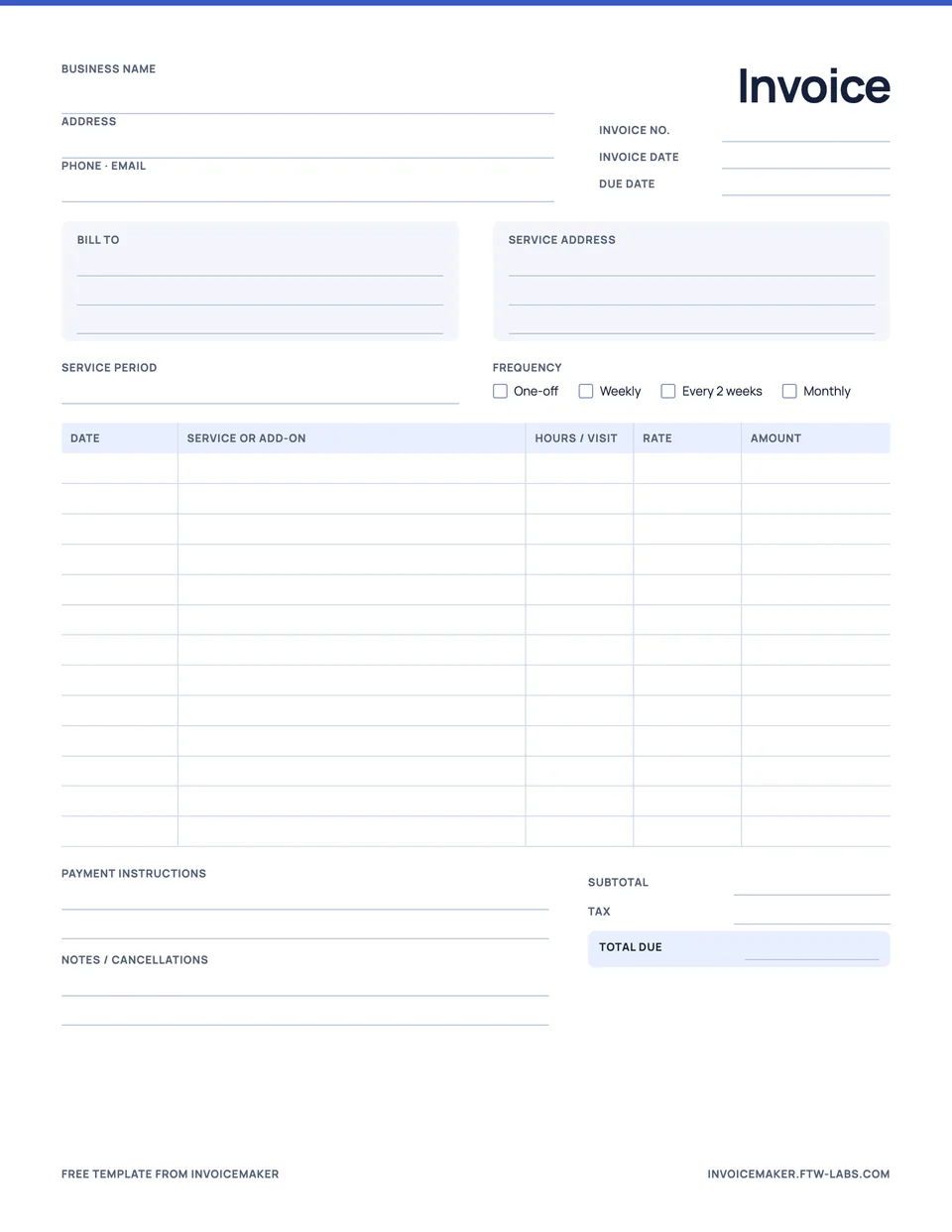
Visits, dates, add-ons and a service period.
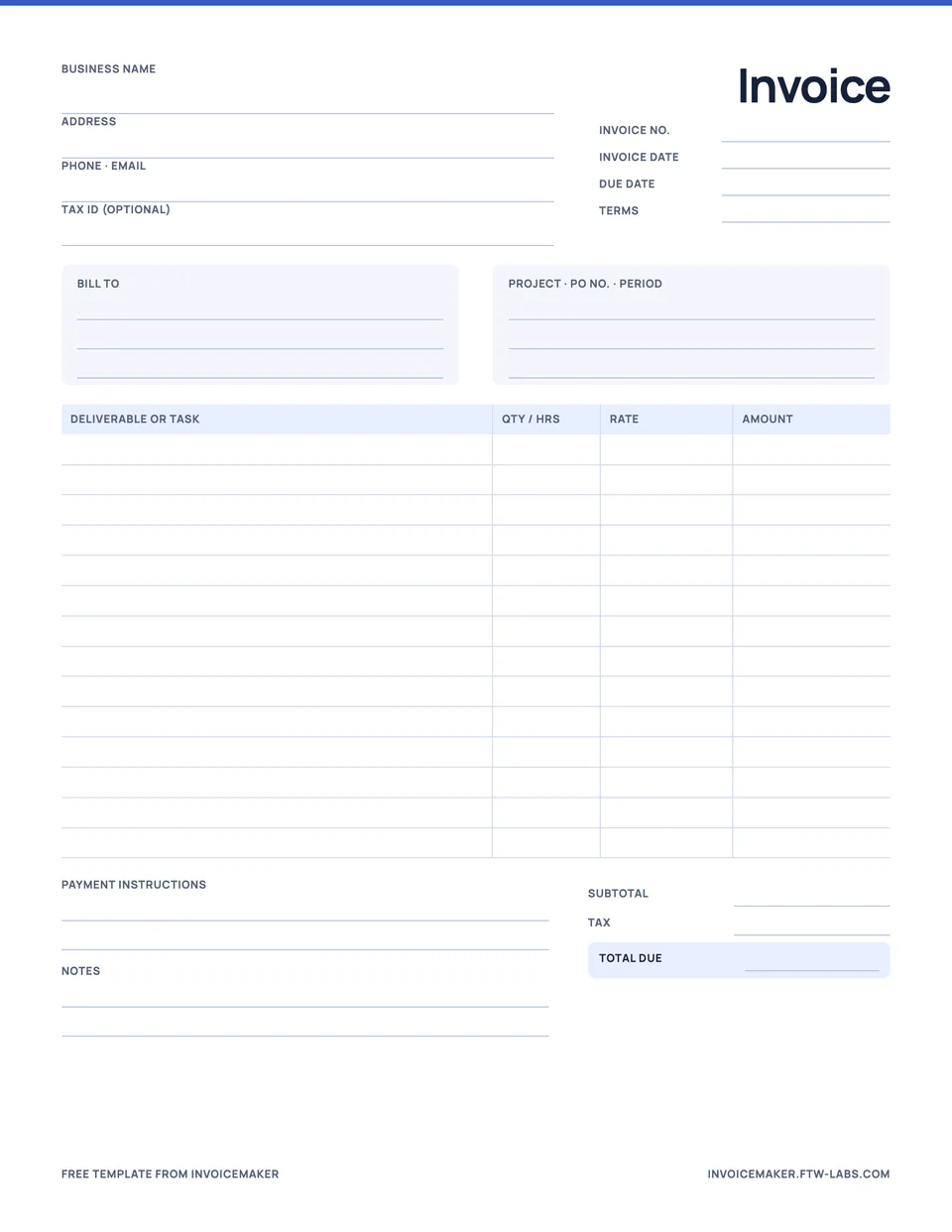
Deliverables or hours, project, PO number and terms.
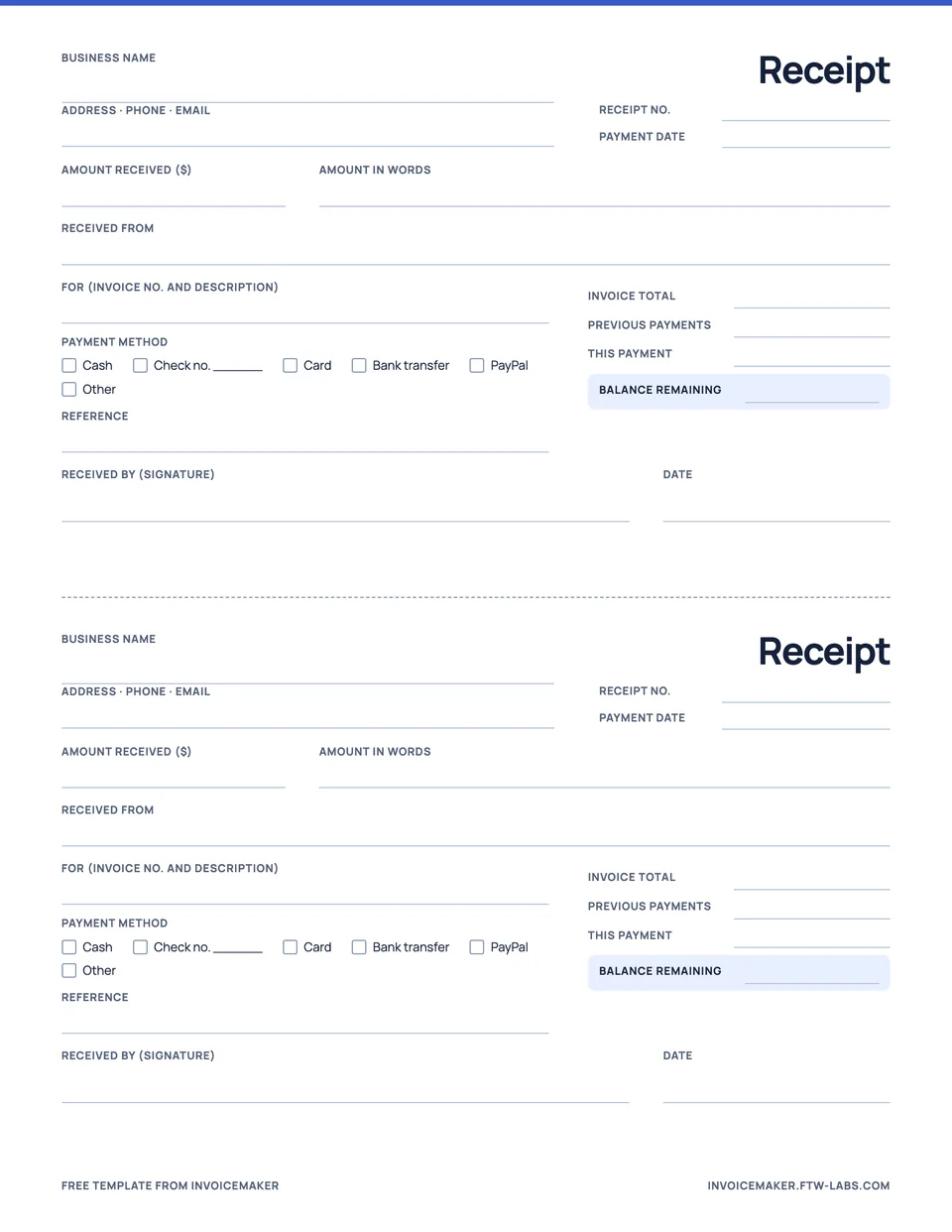
Cash, check or transfer, with the balance left.
Practical guides for independent businesses. Clear examples you can use before you send the next document.

A practical checklist, worked example, and sending tips.
Which document asks for money, which one proves it arrived.
Approximate or fixed price: how to choose and word each one.

Net 30, due on receipt and wording you can copy.
Due dates, 2/10 Net 30, and when to offer it.
Seven steps and a worked painting estimate.

What to include, step by step, with a filled-in example.
Which document to send before, during, and after payment.

A worked example for deposits, receipts, and balances.
InvoiceMaker is made for contractors and freelancers, with an estimate maker and a receipt maker built in. All guides
Yes. InvoiceMaker is on the App Store for iPhone and iPad (iOS 16.4 or later) and on Google Play for Android. You create invoices, estimates and receipts on your phone and send them as PDFs.
The download is free and your first document is included. Creating more documents needs a subscription; the current price for your region is shown in the app and on the store listing before you pay.
Yes. Mark the estimate accepted and tap Convert to invoice. The client and line items carry over, so you only change what’s different and set the due date.
Open the invoice, check the PDF preview and tap Send PDF. Your phone’s share sheet opens, so you can use Mail, Messages, WhatsApp or any other installed app. Your customer doesn’t need InvoiceMaker to open it.
Yes. Record a payment against the invoice as the full balance, half, or any amount you type. The remaining balance updates and the receipt references the invoice number.
No. InvoiceMaker records payments you have already received by bank transfer, card, cash, check, PayPal or another method. Collect the money through your usual provider, then record it.
Pick Due on receipt, Net 7, Net 14 or Net 30, or type your own wording. The due date and your payment details print on the PDF, and unpaid invoices show as overdue once that date passes.
Yes. Add your logo and signature once in your business details. Choose from four PDF designs (Classic, Modern, Editorial and Compact) and an accent color for your documents.
An invoice asks the customer to pay and shows when payment is due. A receipt confirms money you have received and records the amount, date and method.
Yes. There are free printable PDF templates for contractors, handymen, cleaners and freelancers, plus an estimate template and a payment receipt template.
Something else? Email support@ftw-labs.com or read the privacy policy.
Get InvoiceMaker for iPhone, iPad, or Android. Your first document is free.