What’s on this invoice template
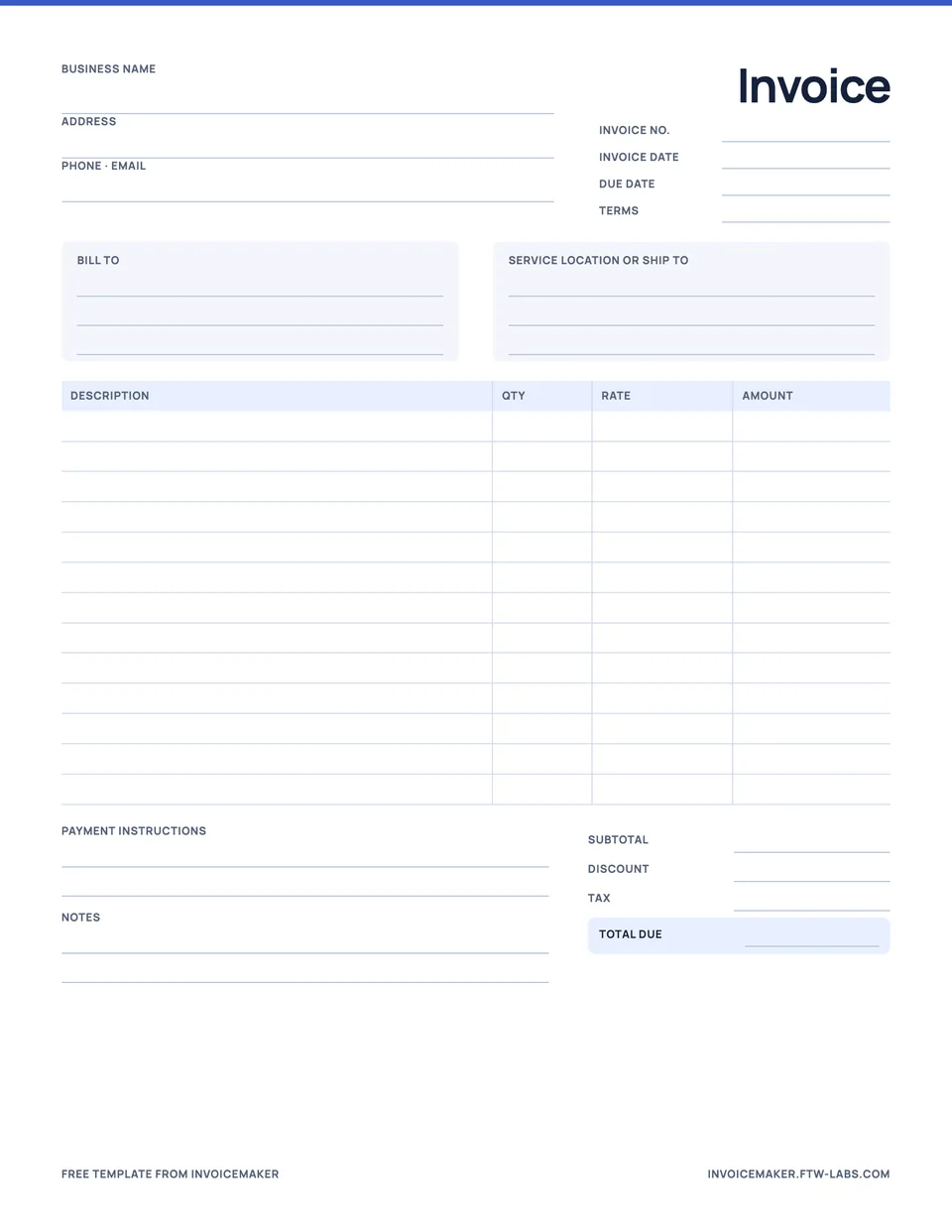
The PDF is a one-page, US letter invoice that works for most service and small product businesses. It includes:
- Your business name, address, phone and email.
- Invoice number, invoice date, due date and payment terms.
- Bill-to details and a separate box for a service location or delivery address.
- Thirteen line items with description, quantity, rate and amount columns.
- Subtotal, discount, tax and total due.
- Payment instructions and a notes box.
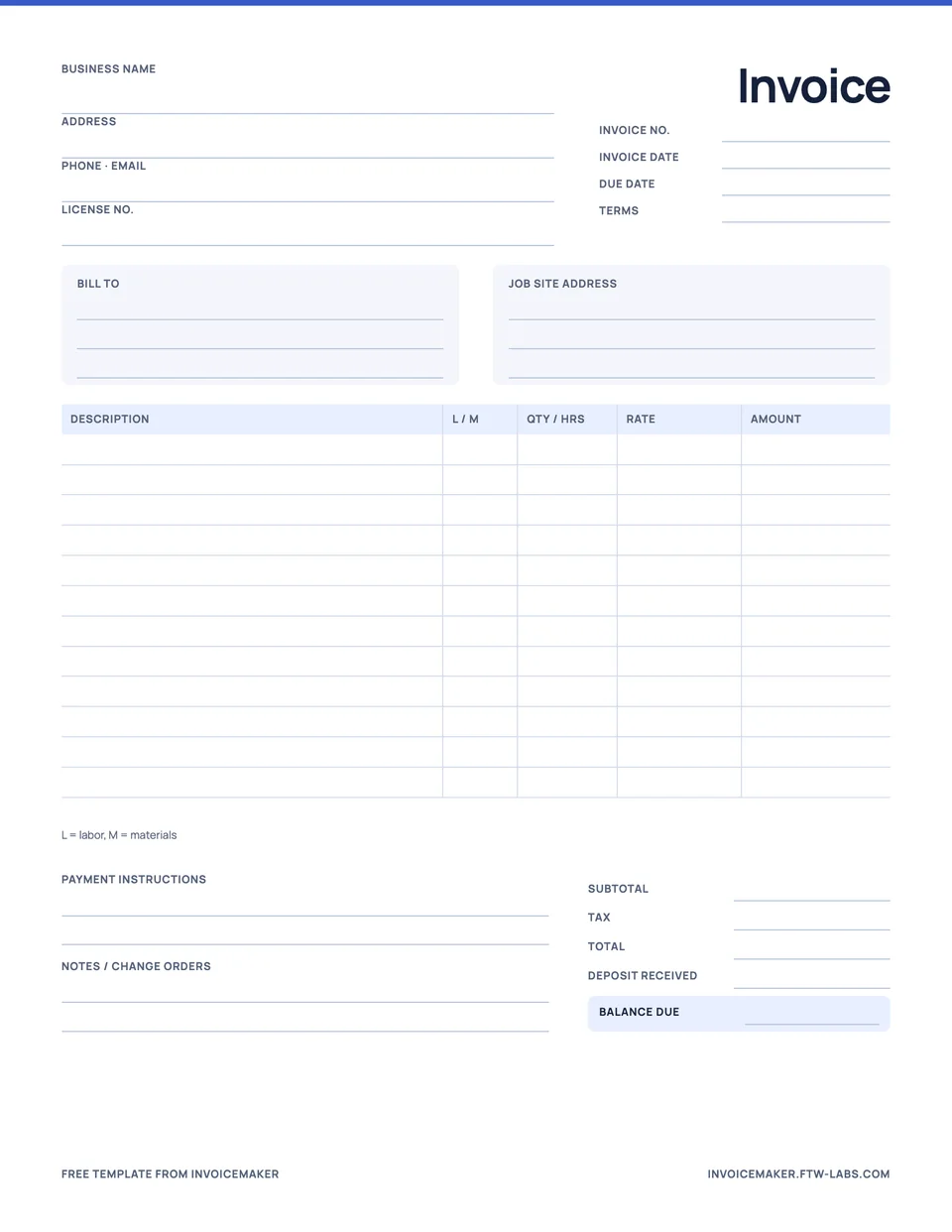
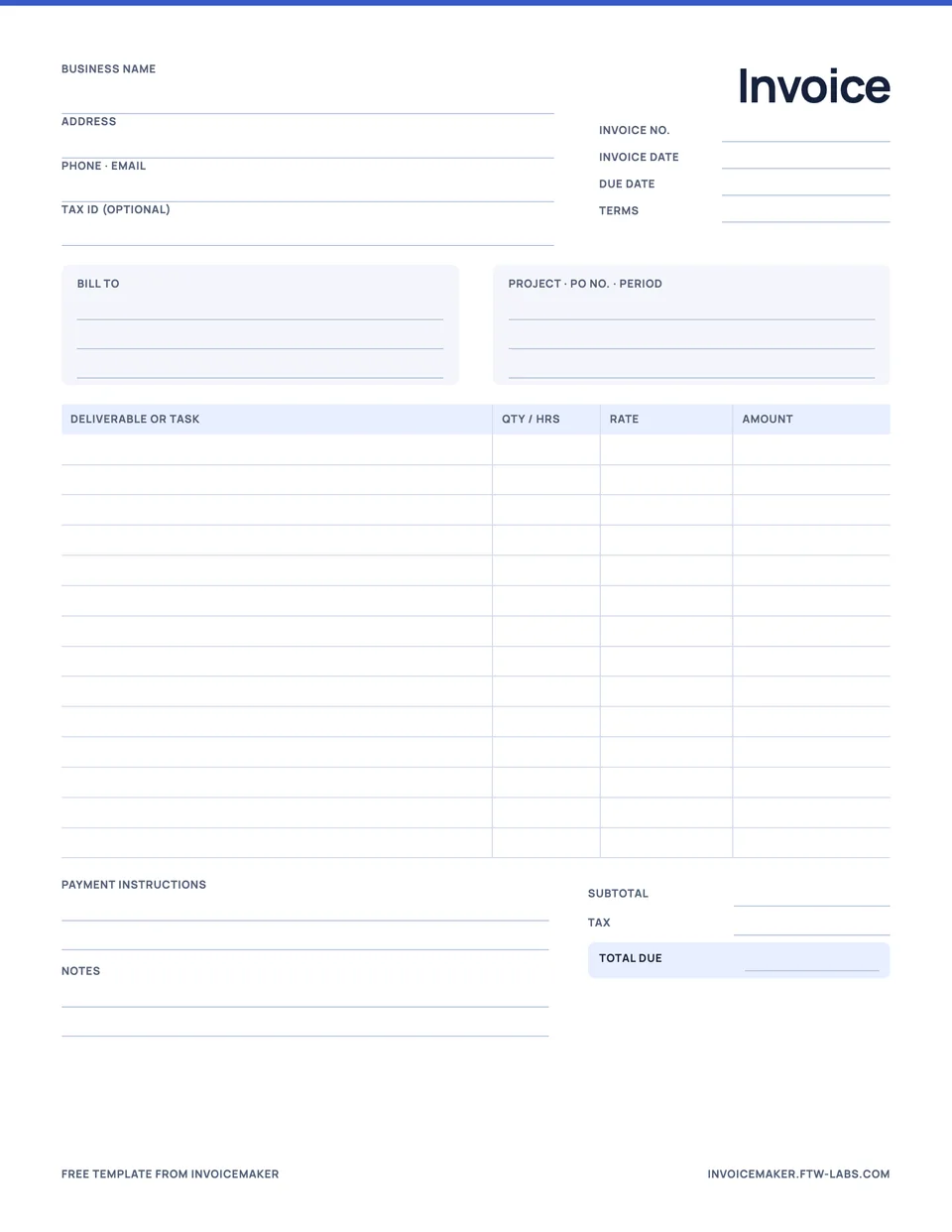
If you work in a trade, the contractor, handyman, cleaning and freelance templates add the fields those jobs need.
Invoice example
Below, the template is filled in for a month of grounds maintenance with one extra job and some materials. Amounts are illustrative, with no tax.
| Description | Qty | Amount |
|---|---|---|
| Grounds maintenance, October | 1 × $420 | $420.00 |
| Hedge trimming | 3 h × $55 | $165.00 |
| Bark mulch, cubic yards | 2 × $48 | $96.00 |
Net 30 terms. Bank transfer details below; please quote INV-0517.
Every amount can be checked from the line it sits on, the total is the only bold number, and the note tells the customer when and how to pay. That is most of what makes an invoice look professional: a structure the customer can follow without calling you.
How to fill in the invoice template
- Add your business details exactly as you want them to appear on the customer’s records.
- Number the invoice. Use one sequence for all customers, such as INV-0517, INV-0518.
- Write the invoice date and due date. If you use terms like Net 30, write the actual date as well. The Net 30 guide shows how to work it out.
- Fill in who you’re billing. Use the billing name and address the customer gave you, which may differ from where you did the work.
- List each item. One line per service or product, with a quantity and rate.
- Total it. Subtotal, then any discount and tax, then the total due.
- Say how to pay. Bank details, a payment link, or who to make a check out to.
Paper template or invoice app?
A printable template is fine for a handful of invoices a month. Once you send more, the copying adds up: retyping the same customer details, adding up totals by hand, and keeping track of which invoices are still unpaid. That’s the point where an app saves time.
InvoiceMaker keeps your clients and services saved, does the arithmetic, shows the PDF before you send it, and marks invoices as paid, partly paid or overdue as payments come in. For a step-by-step walkthrough either way, read how to write an invoice.
Questions
Can I use this invoice template for free?
Yes. Download it, print as many copies as you need, and use it for your business. There is no sign-up, and the only branding is a small footer line.
What makes an invoice look professional?
Clear structure more than decoration: your business details at the top, a unique number and dates, itemized lines with quantities and rates, one obvious total, and payment instructions the customer can follow without asking.